TL;DR: Improving customer service comes down to two levers: quality (are conversations actually good) and efficiency (can your team handle volume without dropping standards). The best tools each move one of them. For quality, Kaizo automates QA on 100% of conversations and turns it into coaching. For efficiency, a solid helpdesk (Zendesk), a knowledge base (KnowledgeOwl), community self-service (Forumbee), in-app support (Gleap), social support (Sprout Social), and feedback (SurveyMonkey) each remove a different bottleneck. You do not need all seven, pick by the lever you most need to move.
Every “improve customer service” project eventually hits the same fork: do we need better quality, or more efficiency? Quality tools make each conversation better. Efficiency tools help you handle more of them without adding headcount or cutting corners. The strongest teams improve both, and the tools below are grouped so you can see which lever each one pulls.
Every tool is named for completeness; we do not link out to competitors.
Tools for improving customer service at a glance
| Tool | Best for | Lever | Stack layer | Pricing model |
|---|---|---|---|---|
| Kaizo | QA automation + performance coaching | Quality | Quality assurance | Per-agent SaaS |
| Zendesk | The helpdesk and CRM backbone | Efficiency | Helpdesk | Per-agent SaaS |
| Gleap | In-app bug reporting and chatbots | Efficiency | In-app support | Per-seat SaaS |
| Sprout Social | Social media customer support | Coverage | Social | Per-seat SaaS |
| KnowledgeOwl | Knowledge base management | Efficiency | Self-service | Per-KB SaaS |
| Forumbee | Community and self-service | Efficiency | Community | Per-seat SaaS |
| SurveyMonkey | Gathering customer feedback | Quality signal | Feedback | Freemium / SaaS |
What tools should you consider for improving customer service?
Think in layers, not brands. A complete stack usually covers:
- Quality: are the conversations good? This is where QA lives, and where speed-only metrics mislead. Sampling 2 to 5% of tickets by hand cannot tell you.
- Efficiency: can the team handle volume? A helpdesk, a knowledge base, and self-service deflect and speed up work.
- Coverage: are you present on the channels customers use, including social and in-app?
- Feedback: are you hearing the customer’s side, not just your own metrics?
Most teams over-invest in efficiency tooling and under-invest in the quality layer, which is why service gets faster without getting better. Start from the lever you are weakest on.
1. Kaizo: best for QA automation and performance coaching
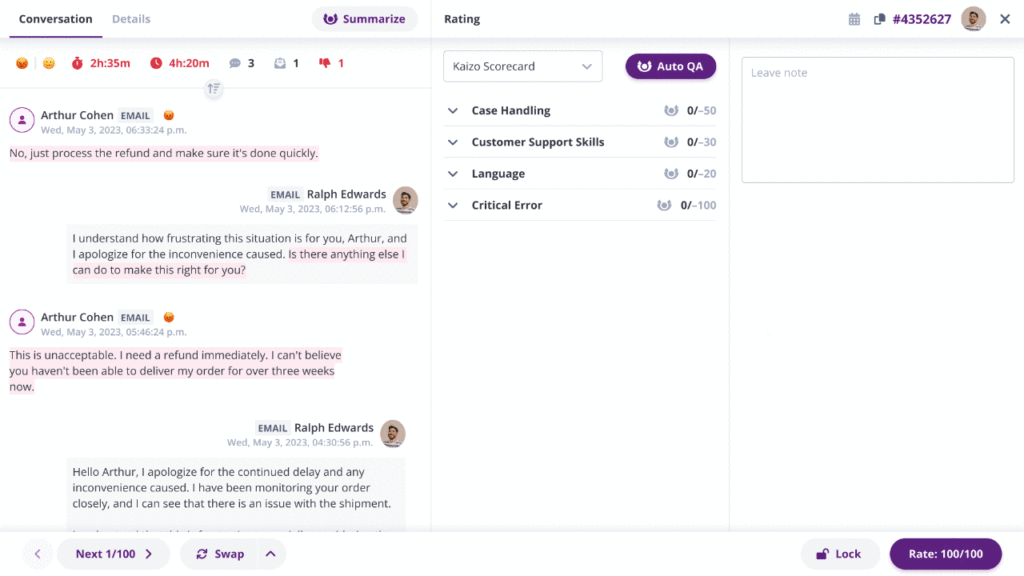
Kaizo improves the quality lever directly. It runs automated quality assurance on 100% of conversations, scoring them against your own criteria instead of a 2 to 5% manual sample, then turns findings into AI coaching for the specific agent and behavior. That combination, full-coverage QA software plus coaching, is what actually raises service quality rather than just measuring it. Kaizo scores human and AI-agent conversations against the same scorecard, and connects natively to Zendesk and Salesforce. You can see it on your own conversations first.
- Lever: quality.
- Watch-out: it is a QA and performance platform, pair it with your helpdesk for ticketing.
2. Zendesk: best for the helpdesk and CRM backbone
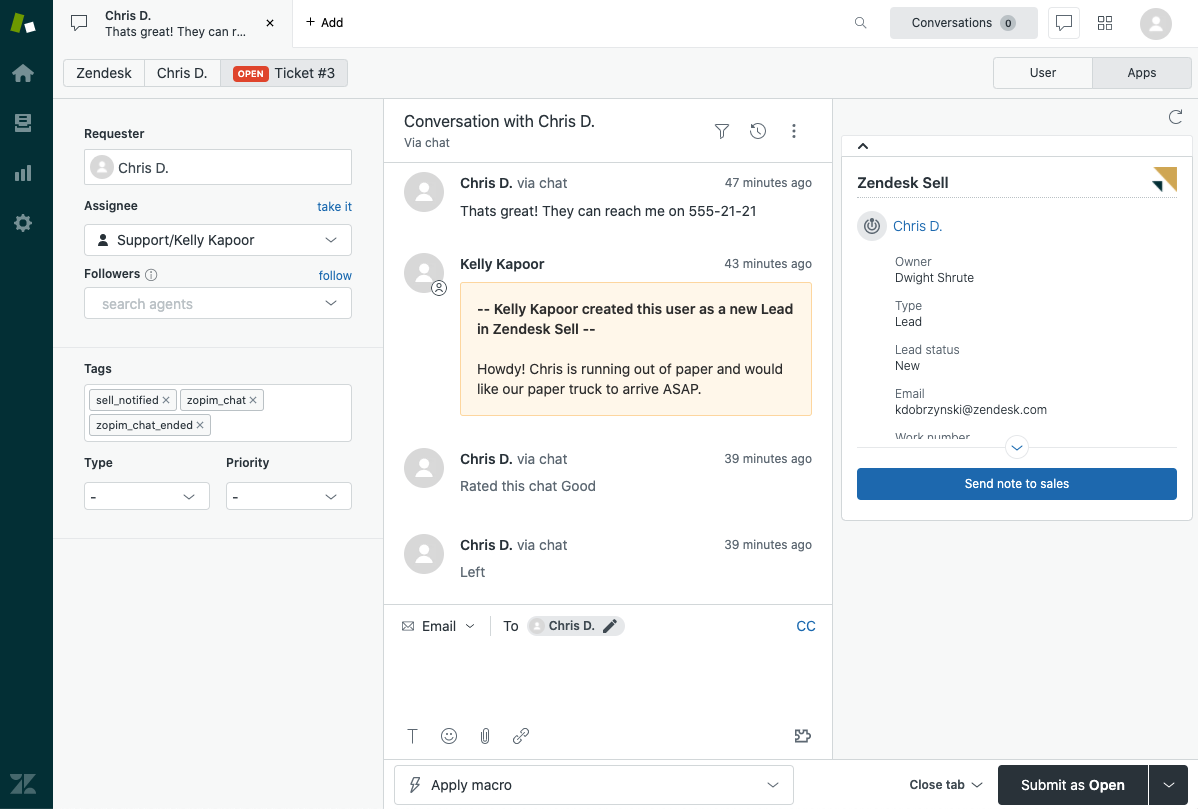
Zendesk is the ticketing and CRM backbone many support teams run on, centralizing conversations across channels and giving agents context. It is the efficiency foundation the other tools plug into.
- Lever: efficiency.
- Watch-out: it manages tickets; it does not judge conversation quality, so pair it with a QA tool.
3. Gleap: best for in-app bug reporting and chatbots
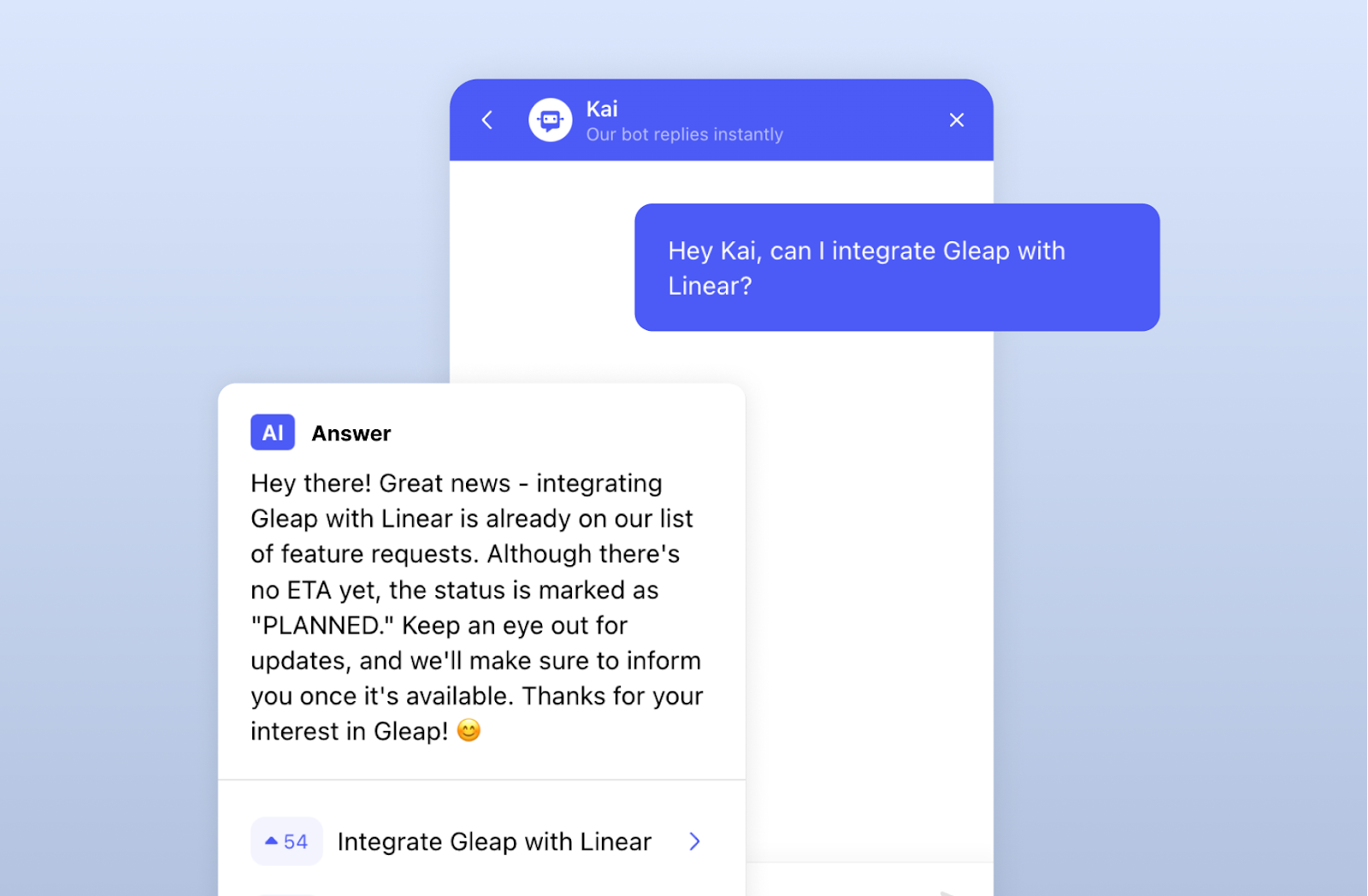
Gleap captures bug reports, feedback, and support requests inside your product, with chatbot and in-app messaging, useful for reducing round-trips on technical issues.
- Lever: efficiency.
- Watch-out: best for product and app teams; less relevant for phone-heavy support.
4. Sprout Social: best for social media customer support
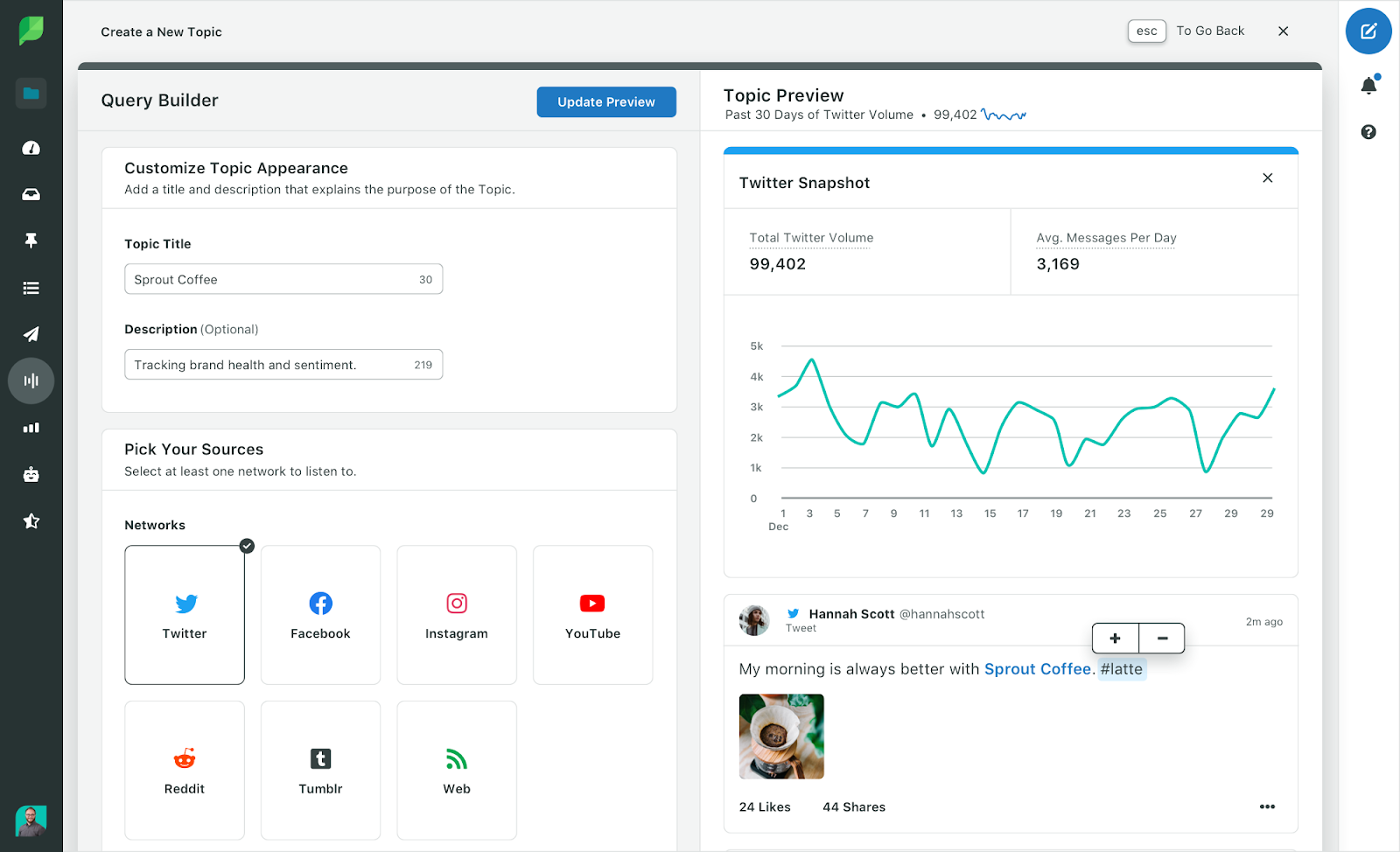
Sprout Social manages customer conversations across social channels in one inbox, so social support does not slip through the cracks of a ticket-only setup.
- Lever: channel coverage.
- Watch-out: it is a social suite; the QA of those conversations still needs a dedicated tool.
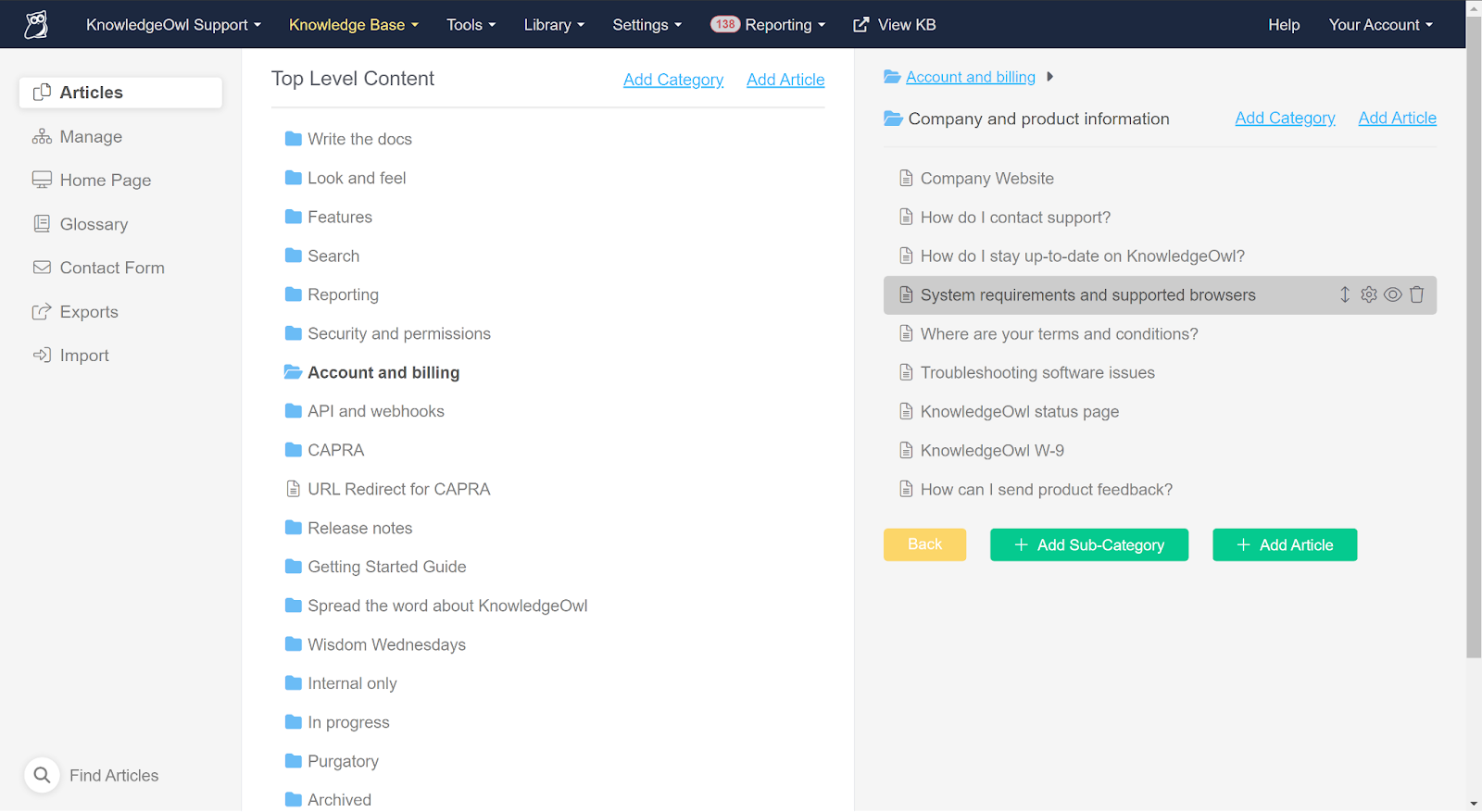
5. KnowledgeOwl: best for knowledge base management
KnowledgeOwl builds and maintains the knowledge base that deflects repetitive tickets and speeds up agents who need a fast, accurate answer.
- Lever: efficiency.
- Watch-out: value depends on keeping content current; a stale KB deflects nothing.
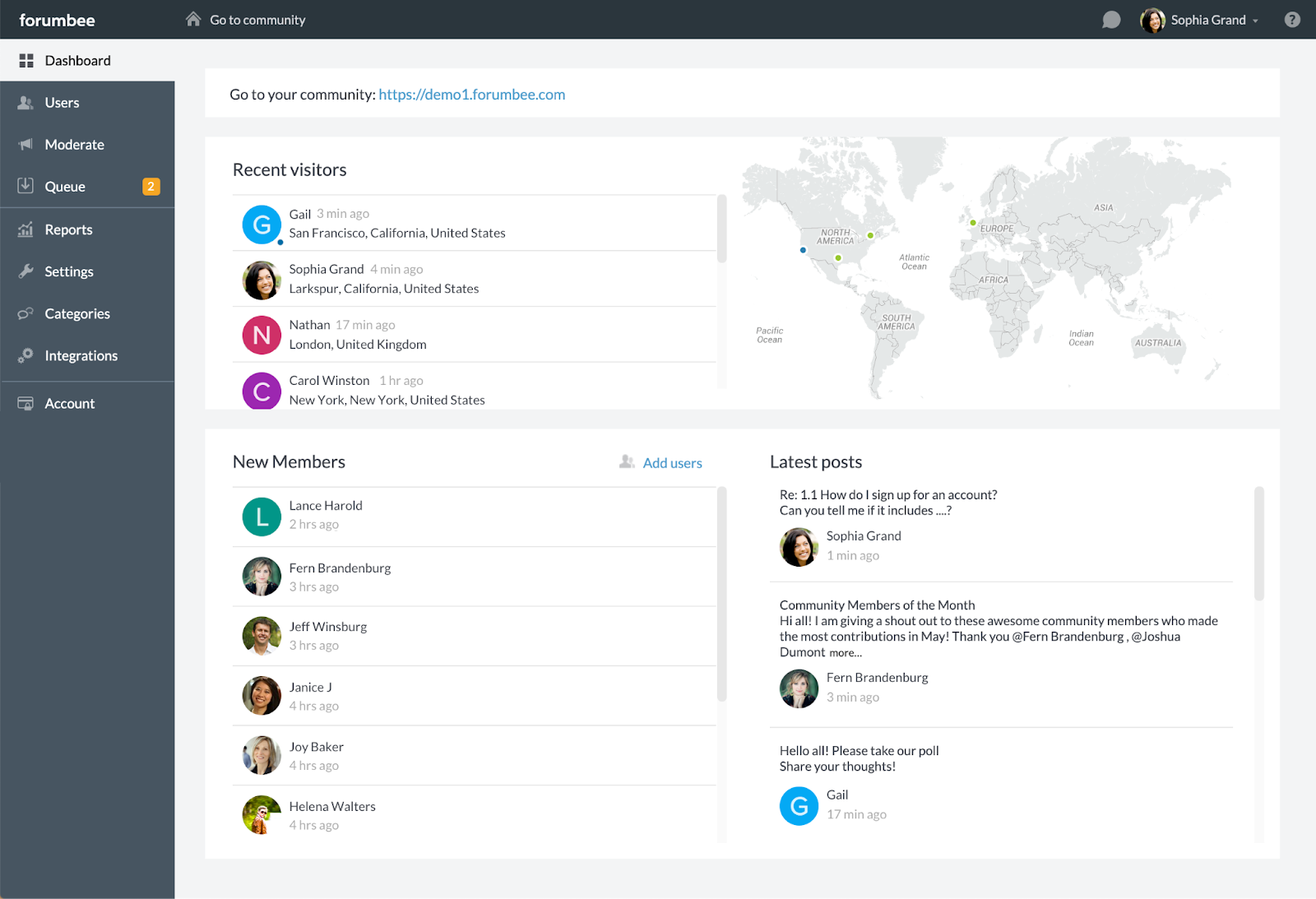
6. Forumbee: best for community and self-service
Forumbee runs community forums and self-service knowledge, letting customers help each other and deflecting volume from your queue.
- Lever: efficiency.
- Watch-out: communities need seeding and moderation to reach critical mass.
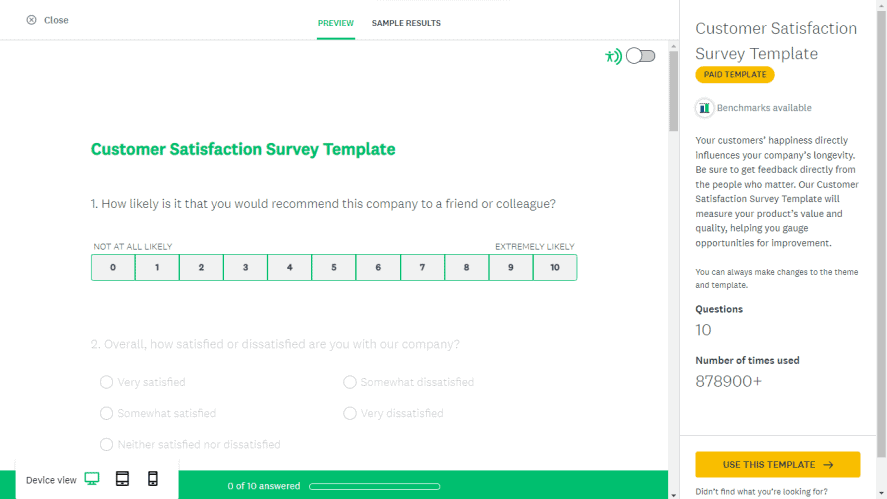
7. SurveyMonkey: best for gathering customer feedback
SurveyMonkey collects the customer’s side of the story through CSAT and other surveys, the feedback signal that tells you whether your other improvements are landing.
- Lever: quality signal.
- Watch-out: surveys reach the small share who respond; pair with conversation-level QA for the full picture.
You do not need all of them. Here is how to choose.
Pick by the lever you are weakest on right now:
- If service is fast but inconsistent, you have a quality gap. Start with QA automation and coaching, and define what good looks like using the 13 strategies to improve customer service performance.
- If your queue is drowning, you have an efficiency gap. Add a knowledge base and self-service to deflect the repetitive, and make sure your helpdesk is set up well.
- If you are blind on a channel, add coverage (social or in-app) where your customers actually are.
- If you cannot tell whether any of it worked, add a feedback loop, then connect it back to your QA data so improvements are measured, not assumed.
Frequently asked questions
What are the best tools for improving customer service quality and efficiency?
The strongest 2026 stack pairs a quality tool with efficiency tools: Kaizo for QA automation and coaching (quality), Zendesk as the helpdesk backbone, KnowledgeOwl and Forumbee for self-service deflection, Gleap for in-app support, Sprout Social for social coverage, and SurveyMonkey for feedback. Pick by the lever you most need to move.
How do you improve customer service with tools?
Tools improve customer service in two ways: by raising quality (scoring conversations and coaching agents) and by improving efficiency (deflecting repetitive tickets, speeding up answers, covering more channels). The highest-leverage move for most teams is adding QA on the quality side, because service often gets faster without getting better.
What tools improve customer service efficiency?
A helpdesk (Zendesk), a knowledge base (KnowledgeOwl), community self-service (Forumbee), and in-app support (Gleap) all improve efficiency by deflecting or speeding up work, so the same team handles more volume without cutting standards.
Which tools improve customer service quality?
Quality is improved by tools that judge and coach the conversation itself. A QA platform like Kaizo scores 100% of conversations and turns findings into agent coaching, while feedback tools like SurveyMonkey add the customer’s own view.
Do customer service improvement tools include performance analytics?
Yes. QA and performance platforms like Kaizo include configurable dashboards and analytics on quality and agent performance, and helpdesks include operational reporting. Combining both gives you quality and efficiency analytics in one view.
The bottom line
Improving customer service is not about buying every tool; it is about moving the lever you are weakest on. Get the quality layer right so faster service also means better service, then add the efficiency and coverage tools that remove your specific bottlenecks. Start with one, measure it, and expand from there.