Customer experience software: a 2026 buyer’s guide

Customer experience software explained: the six main types, what each one does, how much it costs, and how to choose the right CX platform for your team.

TL;DR: Customer experience software is any tool that helps you measure and improve the experience customers have across their journey with you. It is not one product but six overlapping categories: service/helpdesk platforms, CRMs with CX features, feedback and survey tools, reputation and review management, journey and product analytics, and quality assurance and conversation intelligence. Most teams over-invest in surveys, which capture only the 5-10% of customers who respond, and under-invest in the category that reads 100% of what customers actually say: their support conversations. This guide explains each category, what it costs, and how to choose the right mix for your team.

“Customer experience software” is one of the most crowded software categories there is, and one of the most confusing to buy. Search it and you get vendor round-ups that mix survey tools, CRMs, chat widgets, and analytics dashboards into one flat list, as if they all do the same job. They do not.

The right question is not “what is the best CX software” but “which kind of CX software fills the gap in how I currently see and serve my customers.” A survey platform and a quality-assurance platform both improve customer experience, but they answer completely different questions, and buying the wrong one is how CX budgets get spent without CX moving.

This guide fixes that. It defines the term, breaks the market into the six categories that actually exist, shows what each one is for, tells you roughly what to budget, and gives you a way to choose. McKinsey’s research on experience-led growth found that customer-experience leaders grew revenue more than twice as fast as laggards, so getting this decision right is worth the effort.

What is customer experience software?

Customer experience software is any platform used to monitor, measure, and improve the interactions a customer has with your company across every touchpoint, from marketing and onboarding to product use and support.

The goal is always the same: better retention, higher satisfaction, and more advocacy, achieved by understanding the journey and removing friction from it. What differs is where in the journey each tool operates and what signal it captures. Some tools collect what customers say when you ask them (surveys). Some manage the conversation while it happens (helpdesk, chat). Some store who the customer is and what they have done (CRM). And some read what already happened, in the customer’s own words, and turn it into a quality and insight signal (quality assurance and conversation intelligence).

Understanding those distinctions is the whole game, so the rest of this guide is organized around them.

The six types of customer experience software

Most buyer’s guides bury the real structure under a ranked list of brand names. Here is the structure itself. Almost every CX tool on the market falls into one of these six categories, and mature CX stacks combine two or three of them.

Category The question it answers Typical owner
Service / helpdesk platforms “How do we manage and resolve customer requests?” Support Ops
CRM with CX capabilities “Who is this customer and what’s their history?” Sales / RevOps
Feedback & survey tools “What do customers say when we ask them?” CX / Marketing
Reputation & review management “What are customers saying about us publicly?” Marketing
Journey & product analytics “Where do customers get stuck in the product?” Product
Quality assurance & conversation intelligence “What actually happened in our conversations, and how good were they?” CX / Support Quality

1. Service and helpdesk platforms

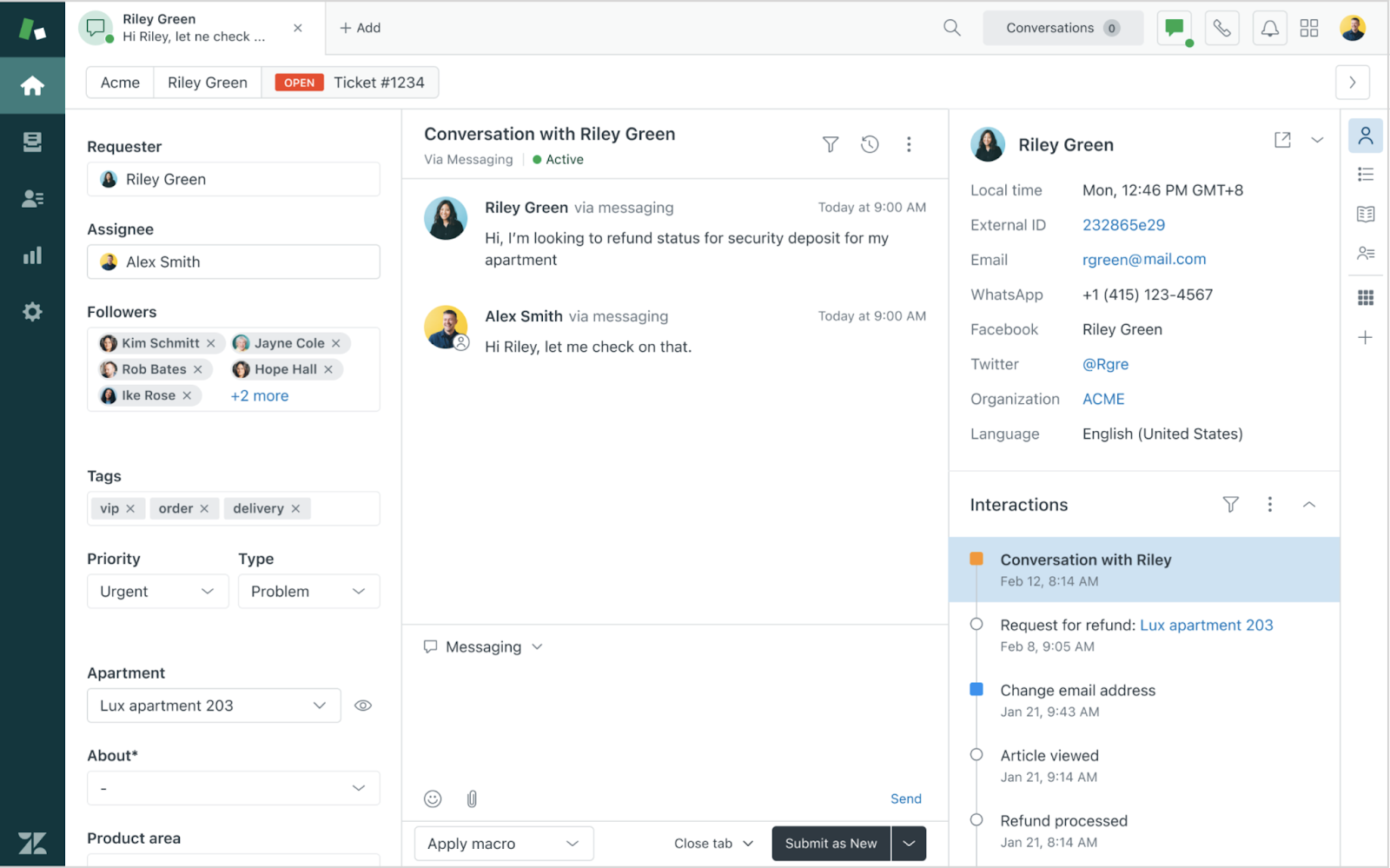
These are the systems your team lives in: ticketing, routing, live chat, and knowledge bases that let agents track, prioritize, and resolve requests across email, chat, phone, and social. They are the operational backbone of support, and for most teams the first CX tool they buy. A good one enforces multichannel customer service so a customer gets a consistent experience whether they email, chat, or call.

What they do not do is tell you whether the service delivered inside them was any good. A helpdesk records that a ticket was closed. It does not judge whether the answer was correct, compliant, or empathetic. That is a different category.

2. CRM with CX capabilities

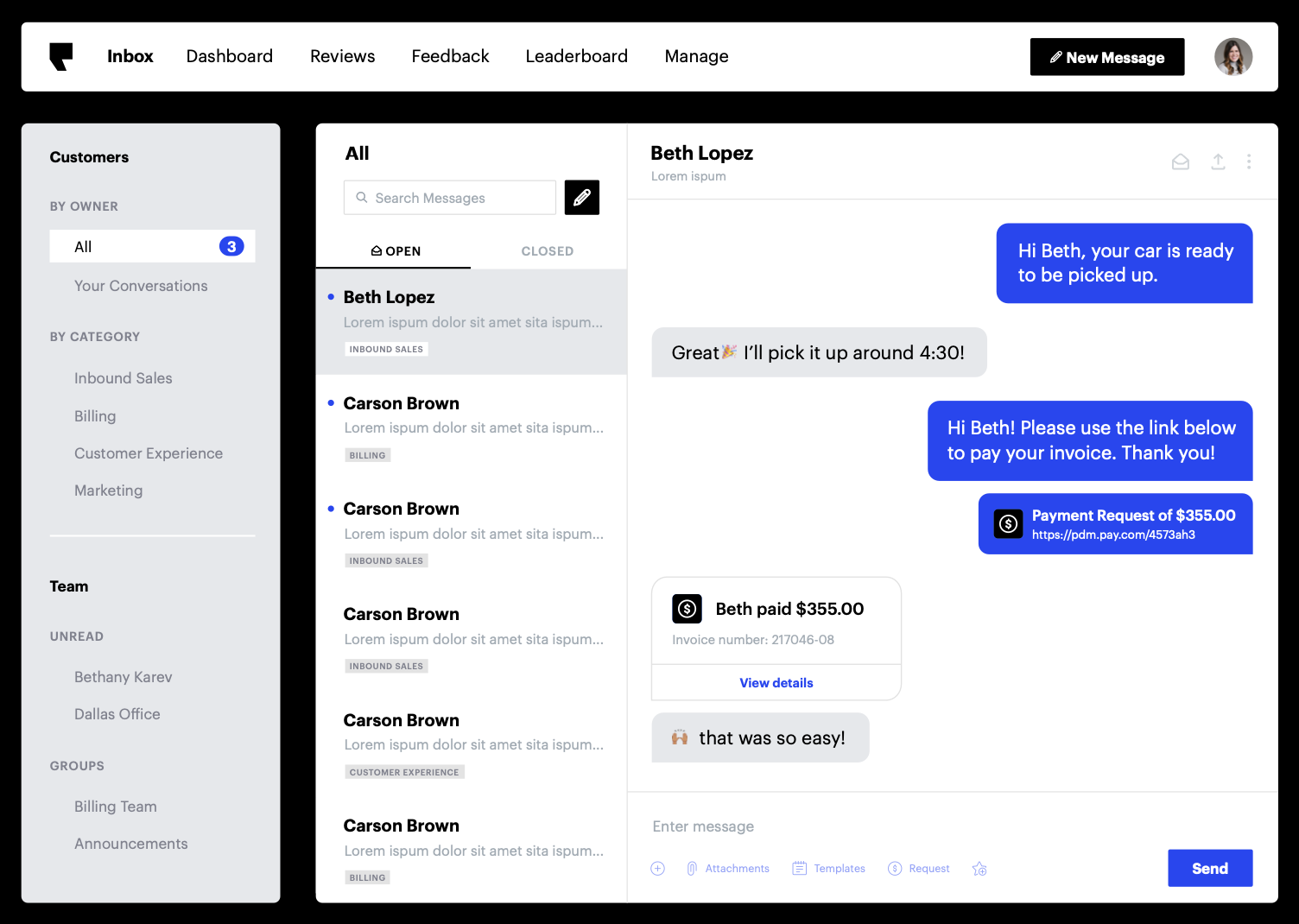
Customer relationship management platforms store the customer record: contact history, purchases, open opportunities, and past interactions. With CX features layered on, they power personalization, the ability to greet a customer with context instead of asking them to repeat themselves. CRMs are the data backbone, but they are built around the sales and account relationship, not around the quality of individual service interactions.

3. Feedback and survey tools

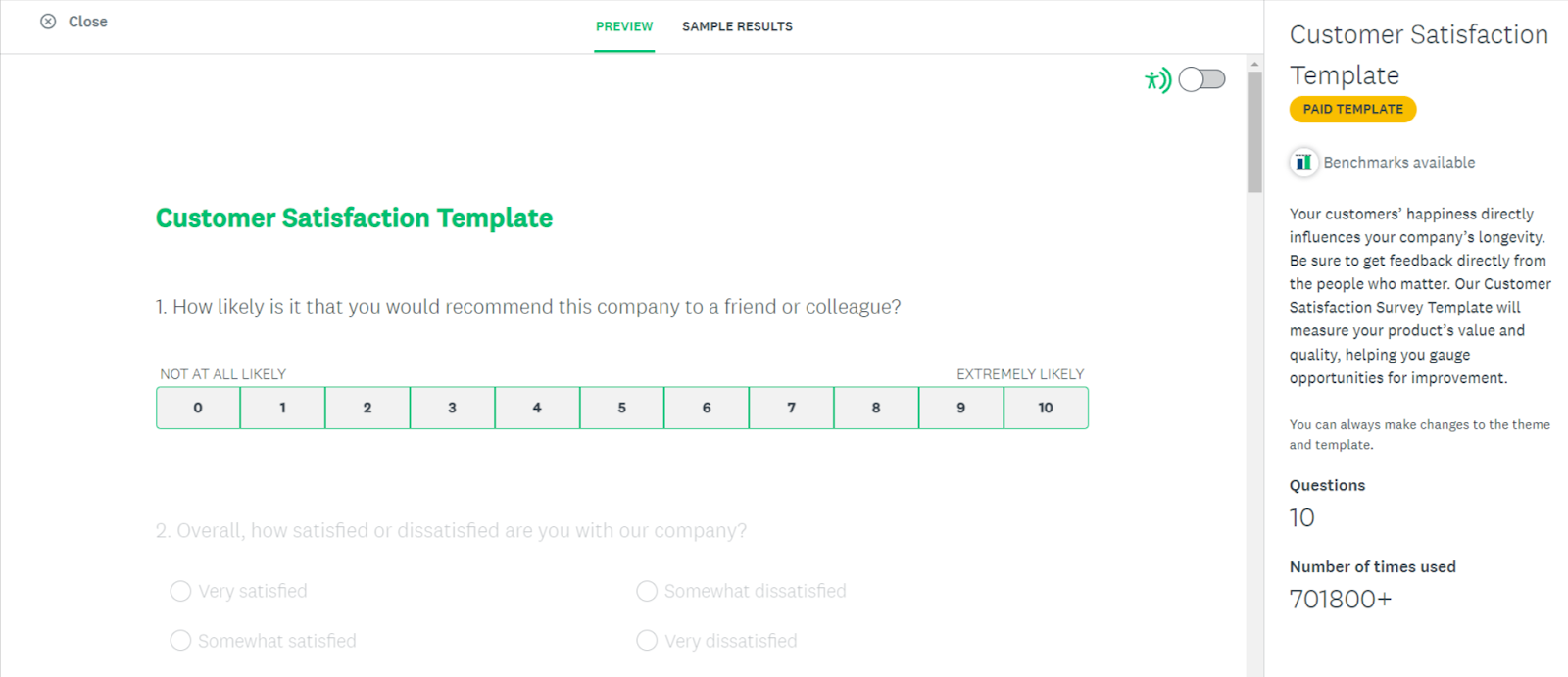
Survey platforms send CSAT, NPS, and CES surveys at key moments and aggregate the results into dashboards. They are the most common CX tools and the easiest to justify, because they produce a number leadership recognizes.

Their limitation is structural, and it is the single most important thing to understand before you build a CX stack: surveys only capture the 5-10% of customers who bother to respond, and only ask what you already thought to ask. The silent majority, including most of the customers about to churn, never fills one in. Survey tools are useful, but a CX program built on surveys alone is measuring a self-selected sliver and calling it the voice of the customer.

4. Reputation and review management

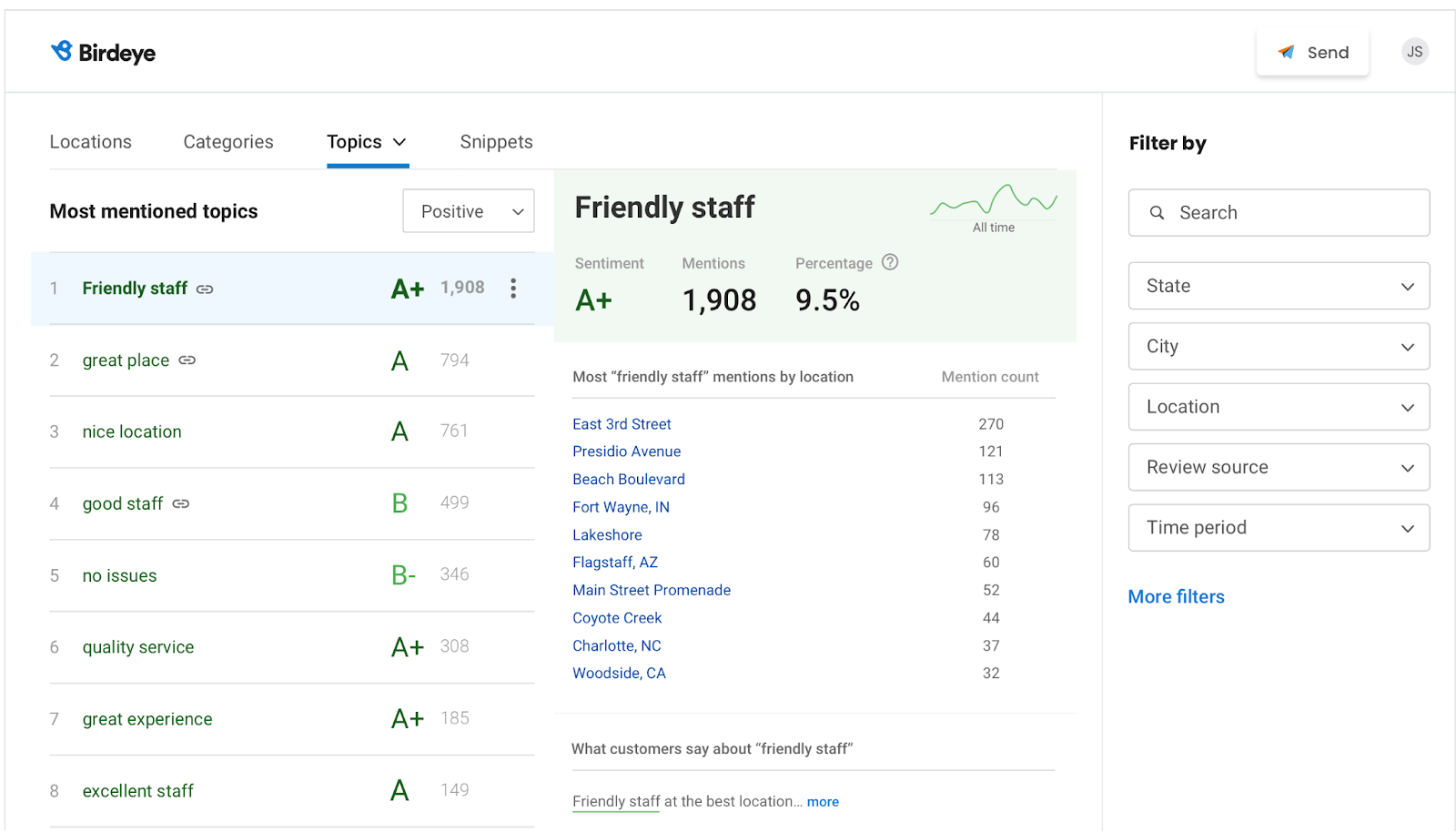
These tools aggregate public reviews (Google, app stores, industry sites), monitor brand mentions, and help you respond. They matter most for businesses whose buyers research heavily before purchase. They tell you what customers say in public, which is valuable but is a curated, after-the-fact signal, not the raw experience.

5. Journey and product analytics

Behavioral and journey-analytics tools track what customers do: where they click, where they drop off, which flows generate friction. They are strongest for digital-product teams optimizing conversion and onboarding. They tell you where customers struggle, but rarely why, because behavior without the conversation around it is only half the story.

6. Quality assurance and conversation intelligence

This is the category most buyer’s guides skip, and it is the one that reads the richest CX signal you own: your actual conversations.

Every confusion, workaround, unmet need, and pre-churn signal already exists, verbatim, in your support tickets and calls. Quality assurance (QA) software evaluates those conversations against a defined standard so you know how good your service really is, and conversation intelligence turns the same conversations into insight about why customers are contacting you at all. For measuring the delivered experience, this is the most direct signal there is, because it is what customers said in their own words, not a score they gave you afterward.

The catch, historically, has been coverage. We will come to that next, because it is where this category has changed the most.

The category most CX buyers overlook

Here is the gap in the typical CX stack. Teams buy a helpdesk to run support, a survey tool to measure satisfaction, and maybe analytics for the product. Then they treat the survey score as the truth about customer experience.

But the survey score describes the 5-10% who responded. The complete, unfiltered record of the experience sits in the 100% of conversations your team already had, and most teams never systematically read it. When they do, it is through manual QA: a supervisor reads three to five tickets per agent per week, under 5% of the total, and coaches from that thin, hand-picked sample. It is better than nothing, but it is statistically noisy and blind to everything the reviewer did not happen to open.

This is exactly the shift analysts are tracking. Gartner found that 52% of quality-assurance leaders now say their program’s primary value is voice-of-the-customer insight, not rep scoring. QA stopped being an HR checklist and became one of the richest CX intelligence sources a company has, if you can read all of it.

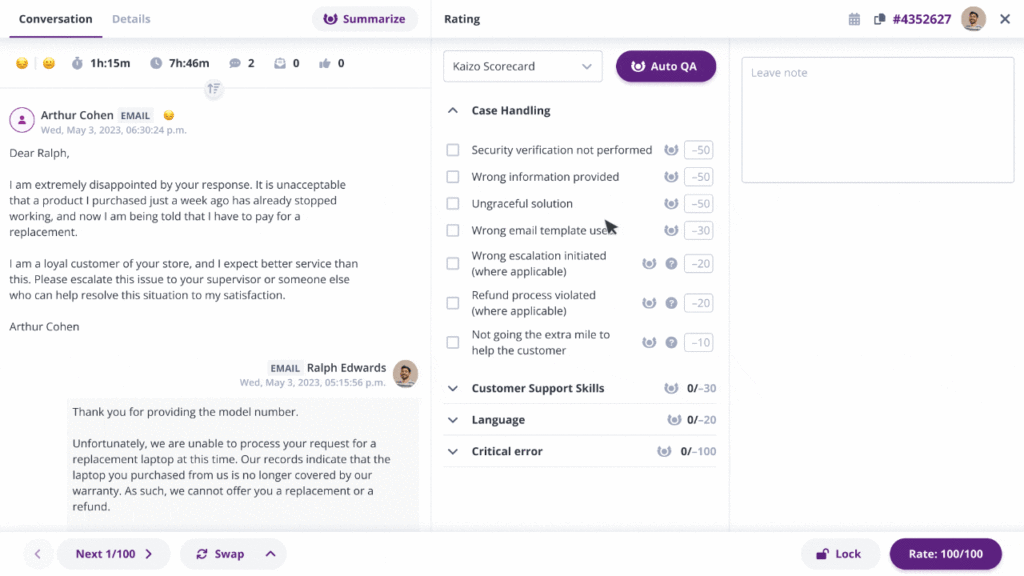
Kaizo AI Auto QA scoring 100% of customer experience conversations

That “if” is what AI changed. Modern auto QA evaluates every conversation against your scorecard instead of a sample. Kaizo’s AutoQA scores conversations automatically, and its Autopilot mode runs continuously in the background, so coverage stays at 100% without anyone triggering a review. Instead of coaching from a handful of tickets, you see the full quality picture across every agent, channel, and shift, and the same engine surfaces customer sentiment so tickets that need attention get flagged as they happen, not weeks later in a survey.

That is the difference between a CX tool that samples and one that reads everything. For teams whose core CX question is “how good is the service we actually deliver, and what are customers really telling us,” a dedicated customer service quality assurance software platform is the category that answers it, and the one most stacks are missing.

How to choose the right customer experience software

The best CX tool is the one that closes your biggest blind spot, not the one with the longest feature list. Work through this in order.

Start from the gap, not the category

Name the one thing you cannot currently see or do. If you have no way to collect structured satisfaction data, you need a survey tool. If agents ask customers to repeat themselves, you have a CRM or integration gap. If you are coaching from a handful of cherry-picked tickets and guessing about the other 95%, you need QA and conversation intelligence. Buy for the gap.

Score every option against the same criteria

Once you know the category, compare tools on the dimensions that predict whether the software actually gets used:

Criterion Why it matters What to ask
Coverage A tool that samples has blind spots What share of interactions does it actually analyze?
Integrations It has to sit in your existing stack Does it connect to your helpdesk (Zendesk, Salesforce, etc.) natively?
Actionability Insight that does not drive action is decoration Does it turn findings into coaching or routed tasks?
Time to value Long rollouts stall and get cancelled Can you show impact in weeks, not quarters?
Neutrality Increasingly critical as AI enters support Can it evaluate AI agents without a conflict of interest?

That last row is new and worth dwelling on. As contact centers deploy AI agents, someone has to grade the quality of those AI conversations. Most CX and QA vendors now sell their own AI agents, which means grading their own homework. Kaizo does not sell AI agents, so it can evaluate any conversation, human or AI, without that conflict of interest. As your operation becomes a mix of human and AI agents, a neutral quality layer is the only one you can trust to score both honestly.

Make sure it turns insight into action

A dashboard that nobody acts on is shelfware. The strongest CX tools close the loop automatically: they do not just tell you where experience breaks, they route it to the person who can fix it and confirm it improved. On the people side, that means coaching tied to real conversations rather than gut feel. Kaizo generates AI coaching cards per agent straight from quality data, so managers coach from evidence instead of spending their week compiling it.

Do not over-buy

You do not need every category on day one. Most teams get further by going deep in the one category that closes their biggest gap than by buying a broad suite they only half-use. Software is only half the job anyway; pair the tooling with the operational habits that actually improve customer experience. Add categories as the gaps become real, and measure each addition against the CX metrics you already track so every purchase has a clear before-and-after.

How much does customer experience software cost?

Pricing spans a wide range because the category is so broad. As a rough guide for 2026:

  • Entry tools (basic live chat, simple survey tools, small helpdesks): roughly $15 to $40 per user per month.
  • Mid-market platforms (fuller helpdesk suites, advanced analytics, omnichannel): roughly $40 to $85 per user per month.
  • Enterprise platforms (workforce management, AI routing, VoC suites, predictive insight): usually custom-priced, commonly $75 to $200+ per user per month.

Two things matter more than the sticker price. First, price on outcome, not seat count: a tool that automates work should reduce cost, not just add to it. Kaizo customers have cut QA-team size by up to 82% while quality scores climbed, which changes the ROI math entirely. Second, factor in time-to-value, because software that takes two quarters to roll out often gets cancelled before it pays back.

Frequently asked questions

What is customer experience software?

Customer experience software is any platform that helps you measure and improve the interactions customers have with your company across their journey. It spans six overlapping categories: service/helpdesk platforms, CRMs with CX features, feedback and survey tools, reputation and review management, journey and product analytics, and quality assurance and conversation intelligence. Each captures a different signal, so the right choice depends on which gap you need to close.

What are the different types of customer experience software?

There are six main types: service/helpdesk platforms (manage and resolve requests), CRMs with CX capabilities (store the customer record and power personalization), feedback and survey tools (collect CSAT/NPS/CES), reputation and review management (monitor public reviews), journey and product analytics (track behavior and friction), and quality assurance and conversation intelligence (evaluate what actually happened in conversations). Most teams combine two or three.

How much does customer experience software cost?

Entry-level tools run roughly $15 to $40 per user per month, mid-market platforms $40 to $85, and enterprise suites typically use custom pricing from $75 to $200+ per user per month. The more useful comparison is cost against outcome: tools that automate manual work, such as AI auto-QA, should lower your total cost rather than simply adding a line item.

What is the difference between customer experience software and CRM?

A CRM stores the customer relationship: contacts, history, purchases, and open opportunities, primarily to support sales and account management. Customer experience software is broader and focuses on the quality of interactions across the whole journey. A CRM tells you who the customer is; CX software (especially QA and conversation intelligence) tells you how good their experience actually was. Many teams use both.

How do I choose the right customer experience software?

Start from your single biggest blind spot rather than the category with the most features. If you cannot see the quality of service you deliver beyond a small manual sample, prioritize quality assurance and conversation intelligence. Then score options on coverage, integrations, actionability, time to value, and neutrality (can it grade AI agents without a conflict of interest), and confirm the tool turns insight into action, not just another dashboard.

The tool matters less than the signal it reads

Every category in this guide can improve customer experience. But most CX stacks are loudest where the signal is thinnest, over-weighting the 5-10% of customers who answer a survey, and quietest where the signal is richest, the 100% of conversations that already happened and go unread.

If you only fix one thing about how you see your customers, make it that. Read what customers actually said, all of it, not a sample and not a score. Then choose the tool that turns that reading into coaching and action.

If you want to see what customer experience looks like across 100% of your support conversations instead of a survey sample, book a demo and bring your messiest queue.


Choose your help desk

Not using either? We’ll let you know as soon as we can support your help desk solution.

Kaizo
Privacy Overview

This website uses cookies so that we can provide you with the best user experience possible. Cookie information is stored in your browser and performs functions such as recognising you when you return to our website and helping our team to understand which sections of the website you find most interesting and useful.