
Monitoring tools for customer service are indispensable assets for organizations that want to maintain high standards of customer satisfaction and effectively address any issues that may arise.
They can provide:
- Real-time data into various aspects of customer service operations
- Performance tracking for metrics such as first response time, resolution time, and customer satisfaction scores
- An analysis of trends and patterns in customer inquiries, complaints, and feedback
- Better insights into how your team stays engaged and productive
- Quality assurance for monitoring interactions between customers and service agents
- And more!
Let’s start with what features you want to consider when picking your next monitoring tool for customer support.
Notable features to consider when choosing your monitoring tool
When selecting a monitoring tool for customer service, it’s essential to consider various features that align with your business goals and customer service objectives. Generally speaking, a more complex tool will cater to an extensive set of needs. Features to keep an eye on include:
- Performance insights: Monitor stats in real-time and look for tools that offer customizable dashboards, allowing you to track metrics specific to your business needs and KPIs.
- QA monitoring: Besides classic call recording and transcription, quality assurance capabilities within a monitoring platform should rely on ticket quality scoring as well as agent feedback and coaching features.
- Engagement and motivation: The more creative, the better. Performance analytics for recognition, training and development resources, as well as a hint of gamification can all keep your team happy and engaged.
- Third-party integrations: You’re inevitably going to have to use a monitoring tool with your preferred CRM so make sure the integration is complete.
So what are the monitoring tools for customer service options you have?
Note: All monitoring tools below are built for support teams and cater to a diverse set of use cases. For our analysis, we’ll focus strictly on how you can use them as a monitoring tool.
Kaizo
How to use it for customer service monitoring:
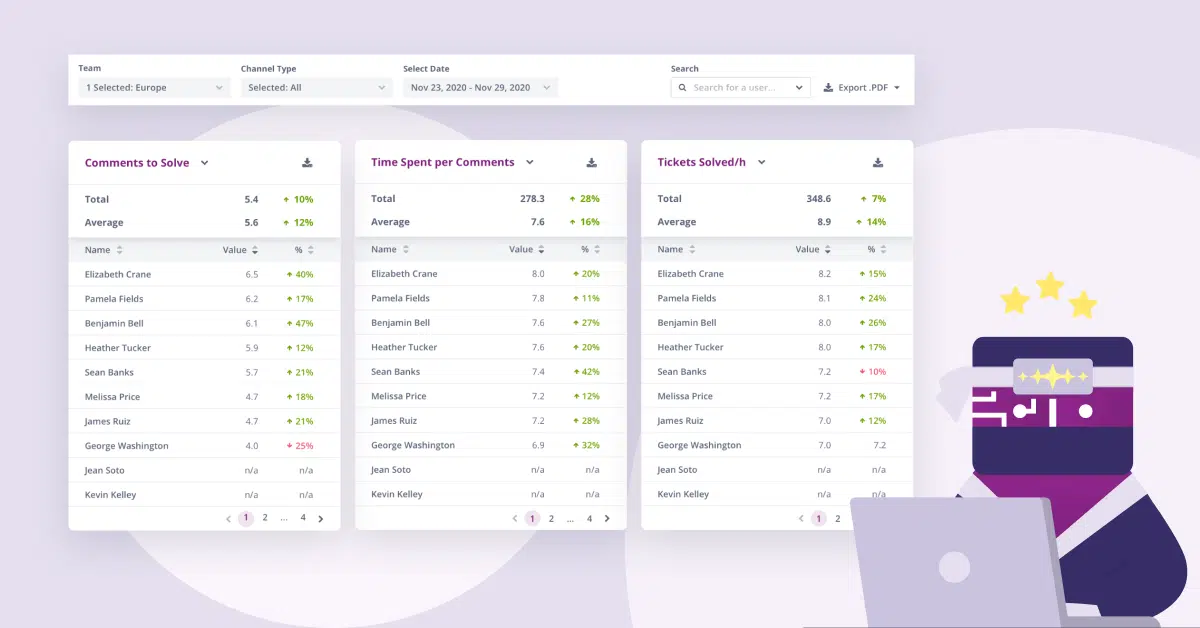
Kaizo’s performance insights feature tracks key performance metrics such as response times, resolution rates, and customer satisfaction scores in real time. Its AI-powered data analysis helps you check individual agent scorecards to go deeper into their performance, track progress, and uncover specific challenges, enabling targeted coaching and support.
You can instantly integrate Kaizo with Salesforce and Zendesk to define and evaluate quality based on your standards and goals. With its advanced quality assurance module you can:
- Access individual and team support quality levels for quick decision-making
- Get rid of call listening by looking at call summaries and conversation sentiments with the help of AI
- Rate tickets directly within Zendesk or Salesforce to save time and prevent switching from one tab to another
- Have up to 100% of all tickets rated automatically with Auto QA
Worried about improving engagement and motivation?
Use Kaizo’s Missions to build gamified challenges and objectives for agents that focus on specific performance goals or behaviors aligned with organizational objectives, such as improving response times or customer satisfaction levels. At the end, just provide recognition and rewards for agents who successfully complete missions, building a positive work environment and enhancing employee engagement.
🤩Rate every ticket, every time, automatically. Maximize rating efficiency without increasing headcount and take full control of the rating process at a faster pace. Try Auto QA for free!
Talkdesk
How to use it for customer service monitoring:
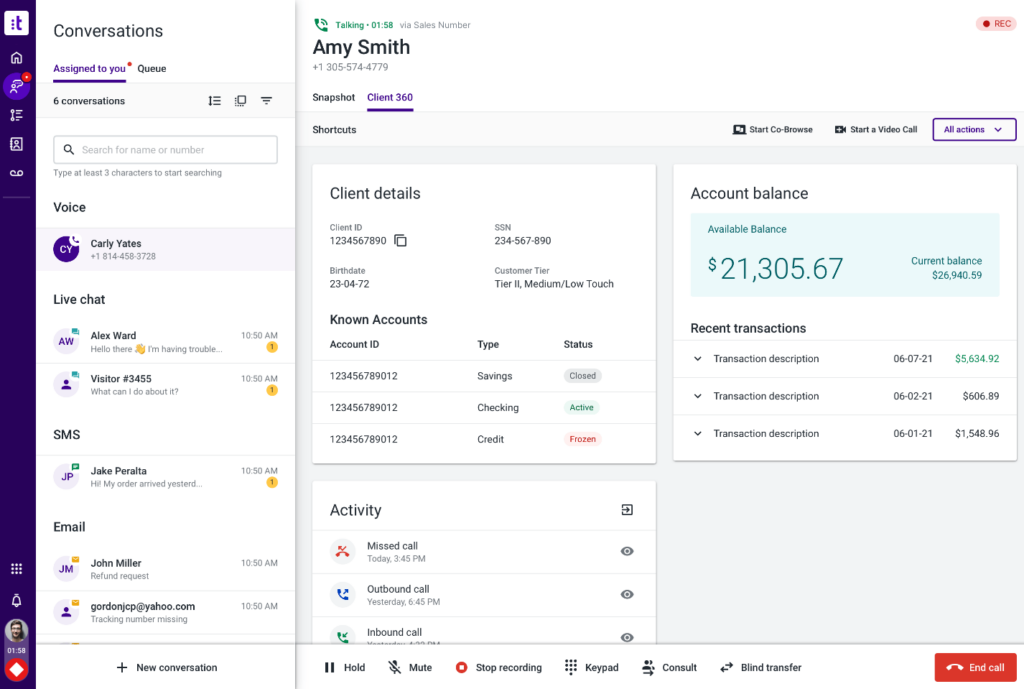
Talkdesk’s real-time dashboards let you monitor key performance metrics such as call volume, wait times, agent availability, and customer satisfaction scores. Besides this step, you can use its call monitoring capabilities to record, transcribe, listen in on live customer calls, or even join ongoing conversations.
Talkdesk’s Quality Assurance module lets you define your evaluation criteria and conduct assessments of agent performance to identify strengths/ weaknesses and drive continuous improvement in customer service delivery.
Aircall
How to use it for customer service monitoring:
Aircall is a business phone and communication platform provider. So its monitoring capabilities are centered around client interactions as opposed to QA or workforce engagement.
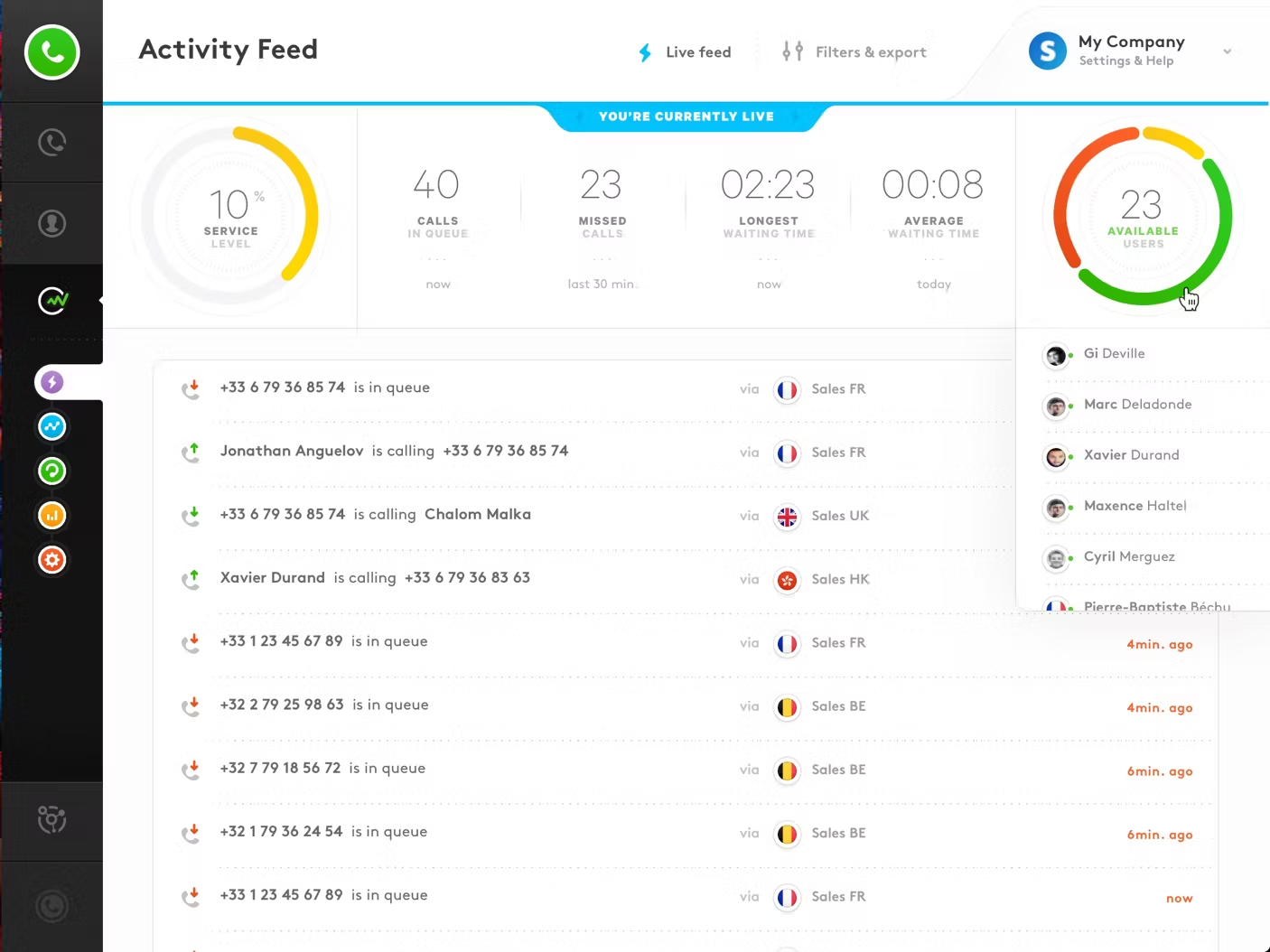
With Aircall’s real-time call monitoring feature you can listen in on live customer calls as they happen. Or, enable call recording so supervisors can review recorded calls at a later time to assess agent performance.
Calabrio
How to use it for customer service monitoring:
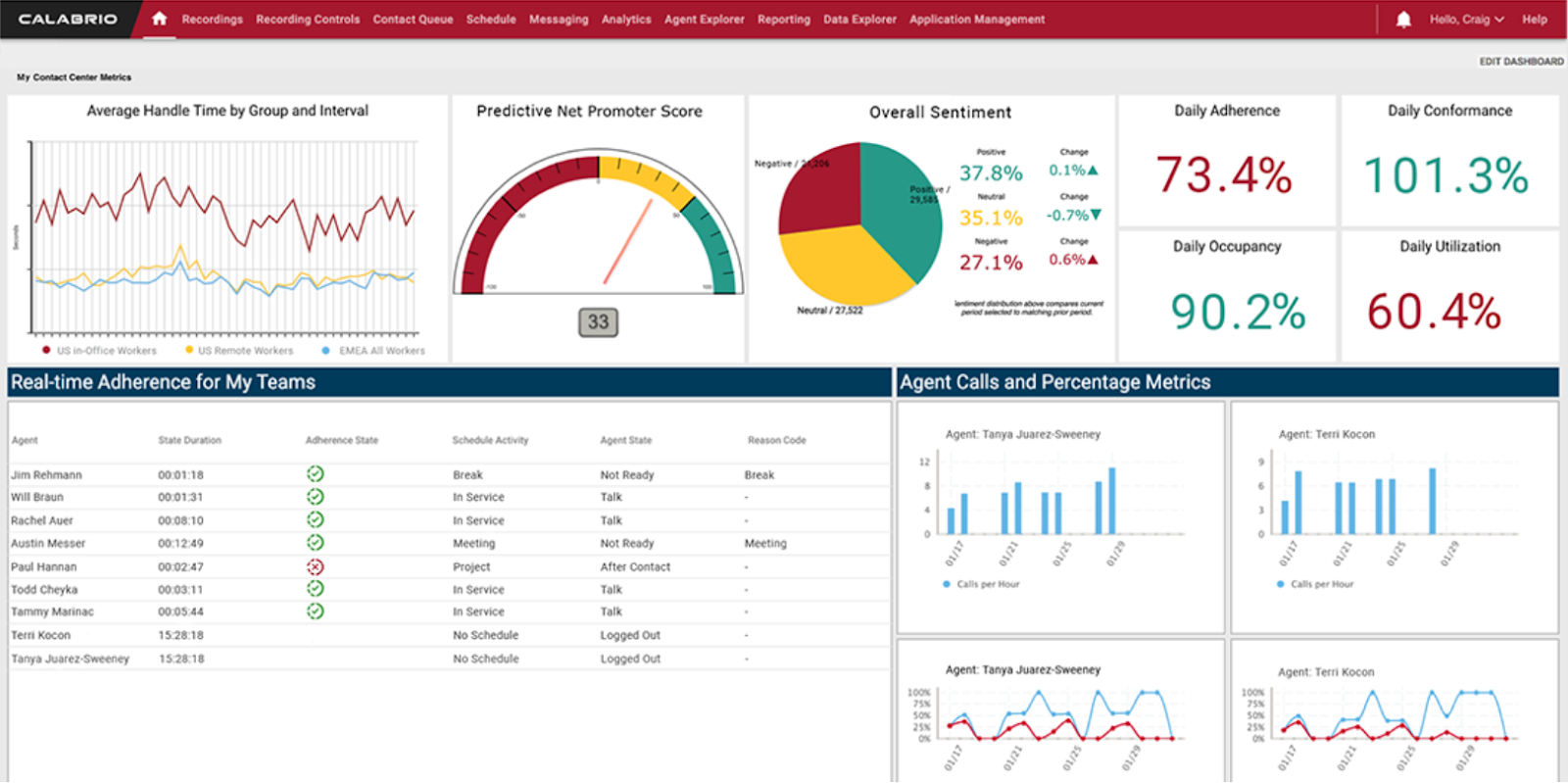
Calabrio stands out thanks to its speech analytics feature that lets you analyze the content of customer conversations and uncover customer preferences, pain points, and trends, so you can make targeted improvements in the future.
This quality monitoring software also comes with a QA module to help you capture calls across multiple channels and use AI to track and access performance insights for all your teams. You can also use it to automate quality management reporting tasks and get Net Promoter Score (NPS) and predictive quality scores for every interaction.
Medallia
How to use it for customer service monitoring:
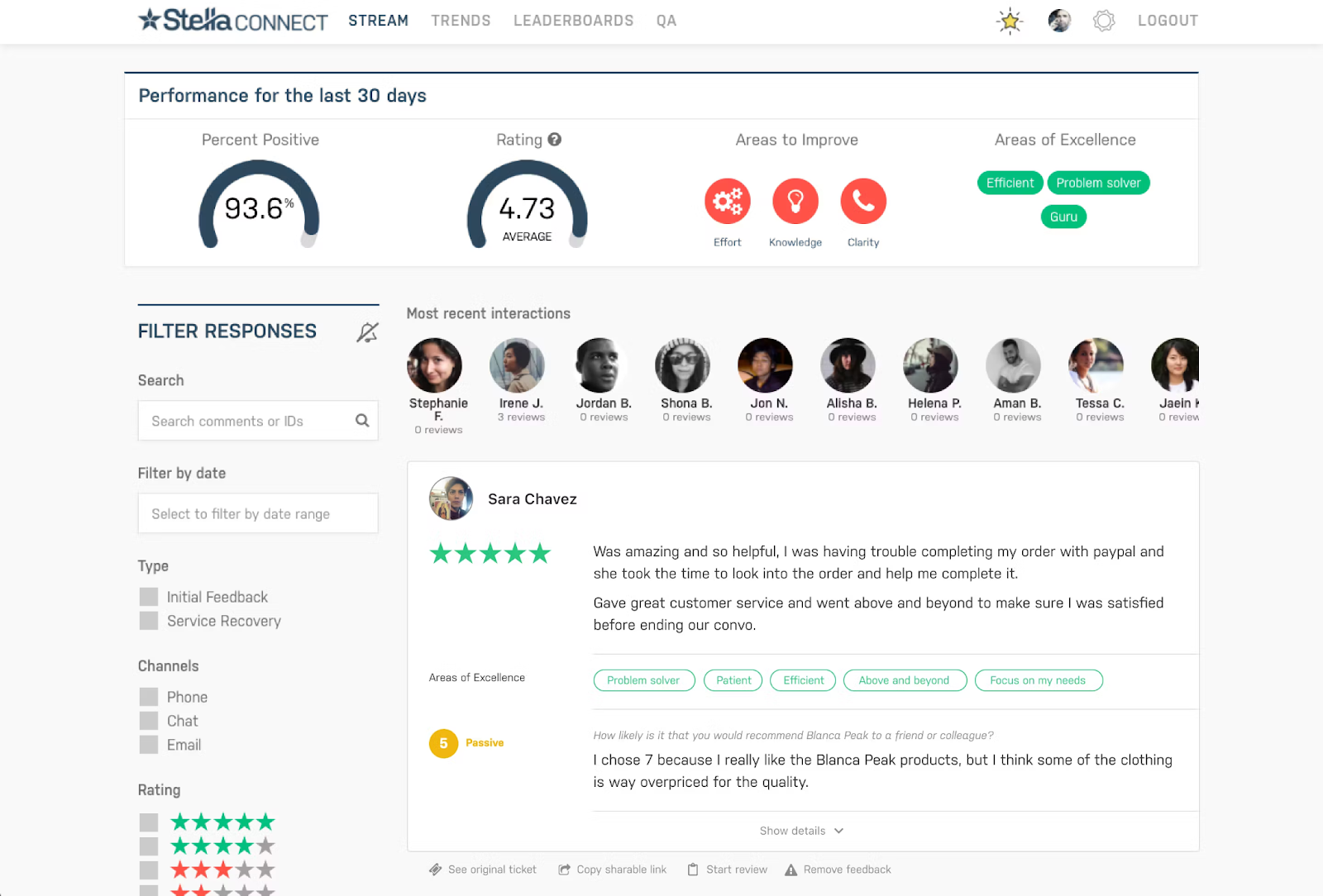
Medallia’s Agent Connect product focuses on helping you identify negative feedback. By automatically selecting the tickets that require manual reviews, you’ll get insights faster and allocate more time for leaders to provide personalized 1:1 feedback and coaching.
With its Signals product, you also have the option to capture feedback across a large variety of channels — from videos and chat messaging to surveys, IoT integrations, and even your point of sale.
How to implement a customer service monitoring process
For a structured approach, start by identifying what specific objectives you have with your customer service monitoring process. Are you looking to improve service quality in general? Is your agents’ efficiency lacking? Is the current customer satisfaction rate a concern?
You’ll use these objectives to determine the key metrics and performance indicators that you want to improve. From there on, simply analyze which monitoring tools can help you track and refine these metrics.
Research and select appropriate monitoring tools and technologies that align with your objectives and budget. Consider factors such as real-time monitoring capabilities, quality assurance features, and compatibility with your existing systems.
Kaizo offers a complete suite of monitoring tools that help you improve performance and service quality by leveraging AI and gamification.

